
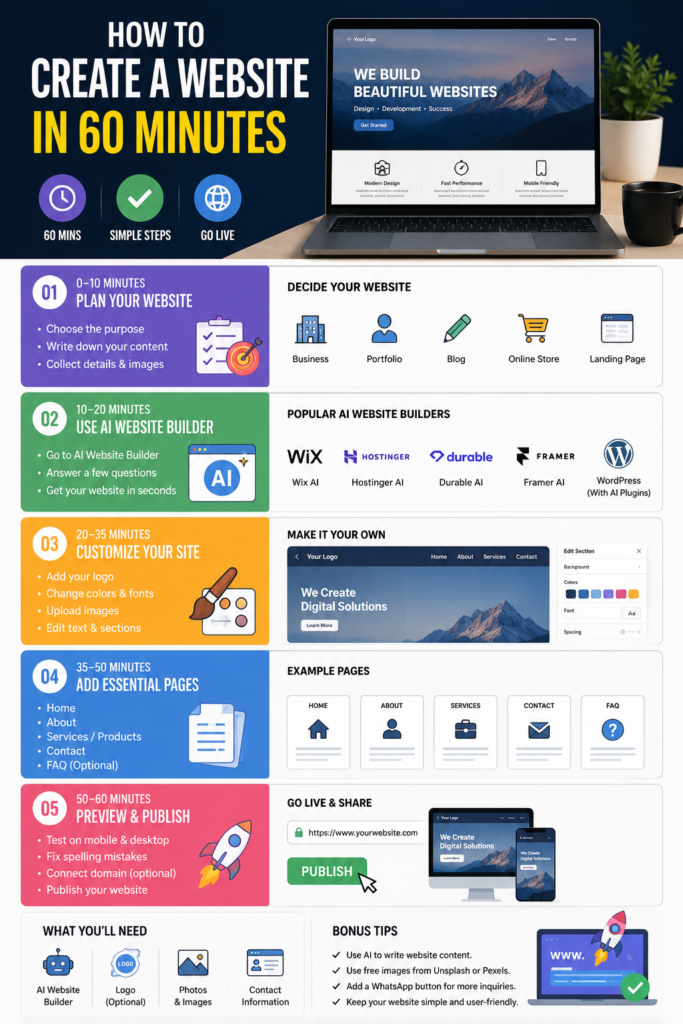
0–10 Minutes: Decide Your Website
Choose the purpose:
- Business website
- Portfolio
- Blog
- Online store
- Landing page
Write down:
- Website name
- About section
- Services or products
- Contact details
⏱️ 10–20 Minutes: Use an AI Website Builder
Some popular options include:
- Wix AI
- Hostinger AI Website Builder
- Framer AI
- Durable AI
- WordPress + AI plugins
Simply describe your business, and the AI generates a complete website.
⏱️ 20–35 Minutes: Customize
- Add your logo
- Change colors and fonts
- Upload your images
- Edit the text
- Add social media links
⏱️ 35–50 Minutes: Add Essential Pages
Create:
- Home
- About
- Services
- Contact
- FAQ (optional)
⏱️ 50–60 Minutes: Preview & Publish
- Test on mobile and desktop
- Fix spelling mistakes
- Connect a domain (optional)
- Publish your website
What You’ll Need
- AI website builder
- Logo (optional)
- Business photos
- Contact information
Bonus Tips
- Use AI to write website content.
- Use free images from sites like Unsplash or Pexels if you don’t have your own.
- Add a WhatsApp button to increase customer inquiries.